
Press kit
Writing about NEKO? Start here.
Facts, ready-to-paste descriptions, logos, screenshots and founder photos. Everything on this page is free to use in coverage of NEKO.
Fact sheet
NEKO at a glance.
- App
- NEKO
- Store listings
- “NEKO: Expense Tracker” (English) and “NEKO: Control de Gastos” (Spanish)
- Category
- Personal finance
- Platforms
- iPhone, iPad and Android
- Languages
- English and Spanish
- Launched
- 2020
- Price
- Free, with an optional Premium subscription
- Developer
- Tuxedo Lab LLC
- Founder
- Julio Cruz
- Based in
- United States
- Download
- App StoreGoogle Play
- Website
- nekomoney.app
- Press contact
- hello@nekomoney.app
About NEKO
Descriptions, ready to paste.
Use them as written or trim them to fit. No need to ask first.
One line
NEKO is a personal finance app for iPhone and Android that projects your bills, income and credit cards forward so you know what’s safe to spend.
Short · about 50 words
NEKO is a personal finance app for iPhone, iPad and Android that puts bills, income, credit cards and loans on one calendar and projects the balance forward, day by day. Its Safe to Spend number shows what’s left after everything already committed. NEKO doesn’t need a bank connection and is made by Tuxedo Lab LLC.
Long · about 100 words
NEKO is a personal finance app for iPhone, iPad and Android built on a simple idea: a bank balance tells you what you have, not what you can spend. NEKO plots bills, paydays, credit card payments, installments and loans on a calendar, projects the balance for every future day, and distills it into one number, Safe to Spend. It warns early when an account is headed below zero, and it doesn’t need a bank connection: people enter their own numbers or import a statement. NEKO launched in 2020 and is made by Tuxedo Lab LLC, an independent US studio founded by Julio Cruz.
What makes NEKO different
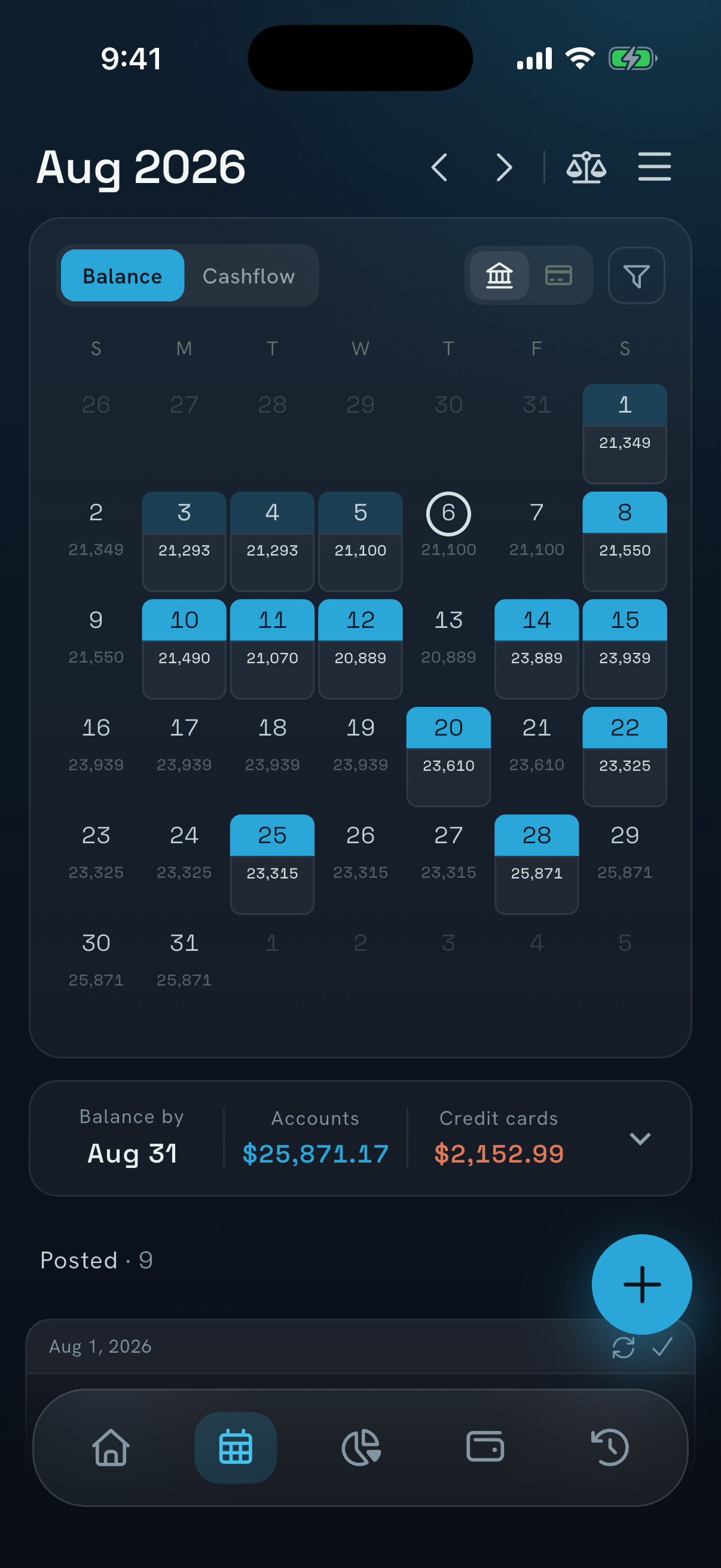
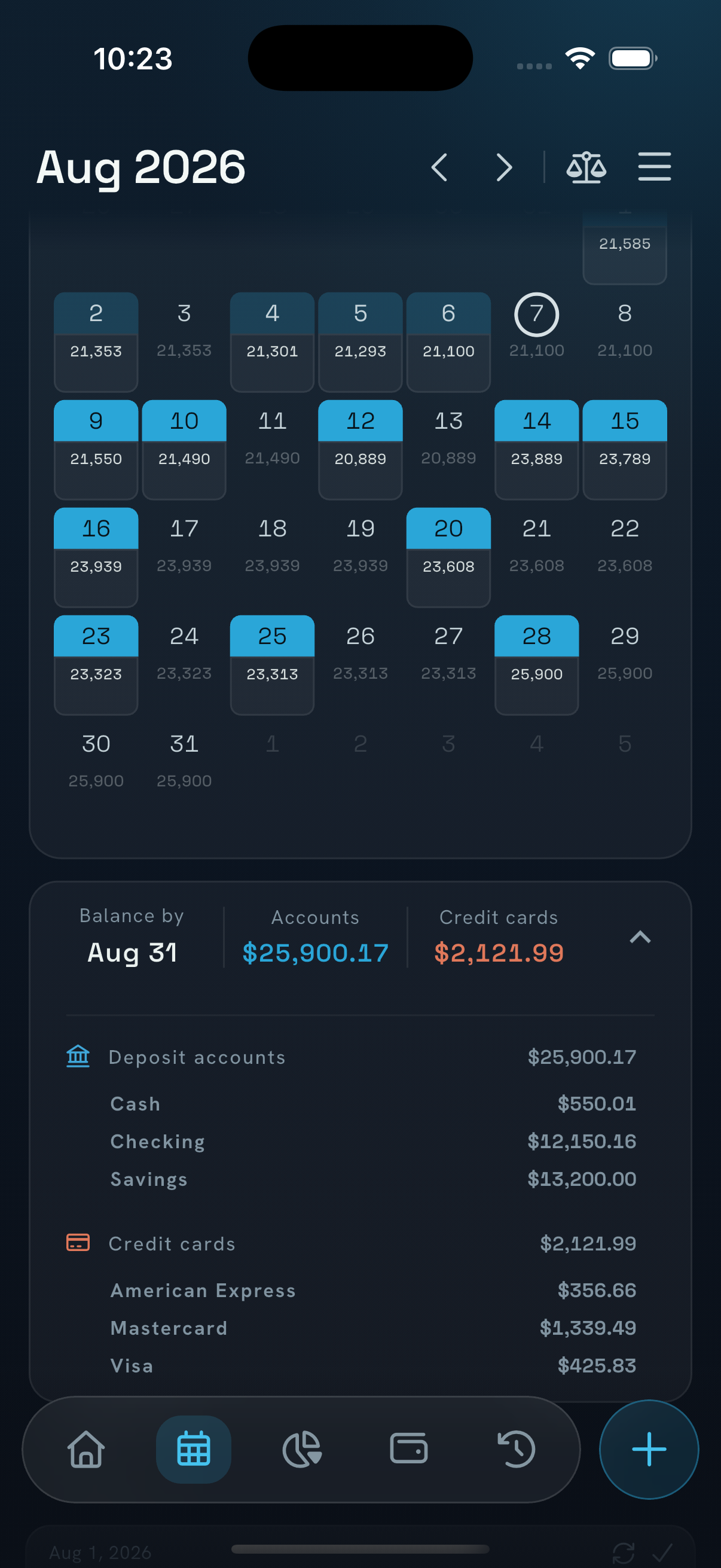
- A calendar with the projected balance for every future day, as far ahead as bills and income go.
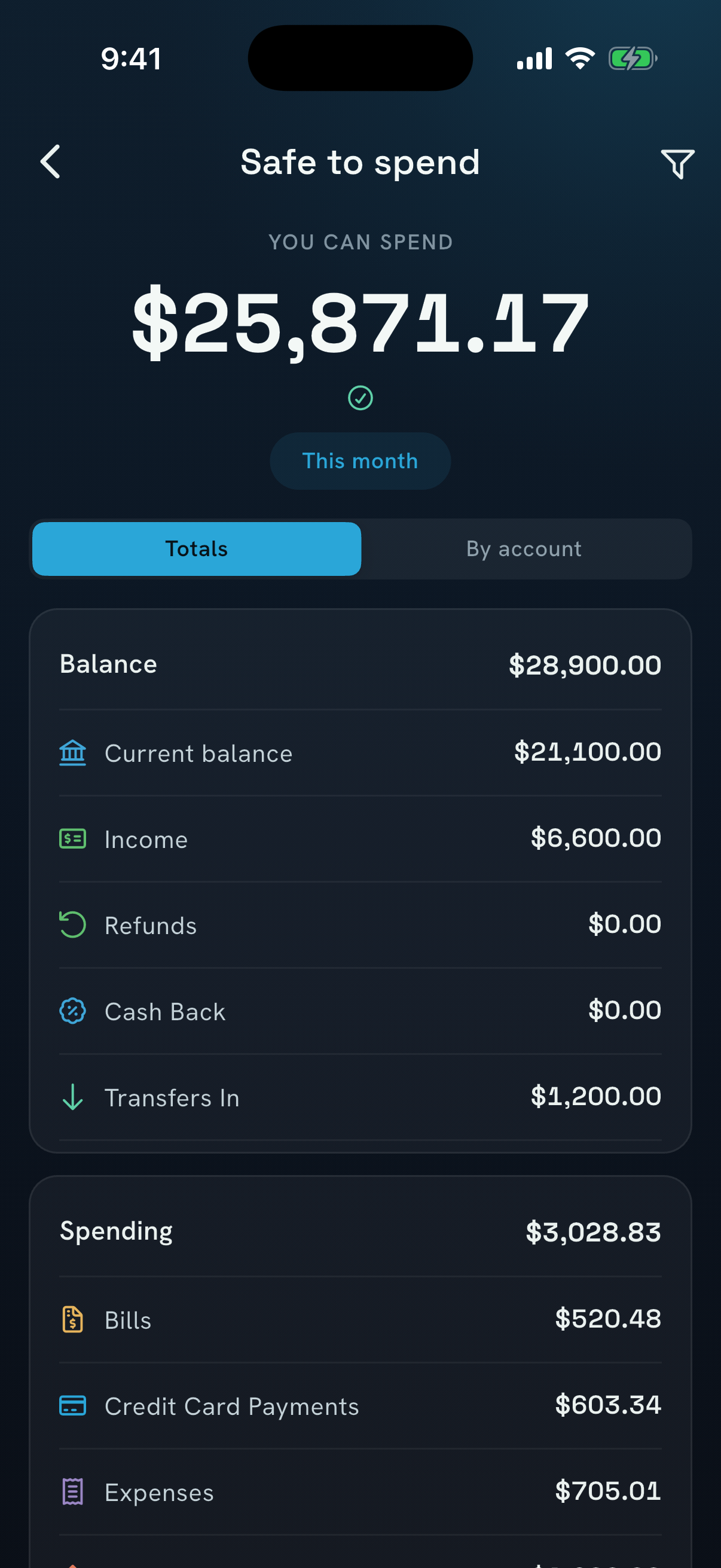
- Safe to Spend: the balance minus everything already committed, for this month, the next payday or any date.
- No bank connection needed. People enter their own numbers or import a statement (PDF, Excel or CSV) with AI.
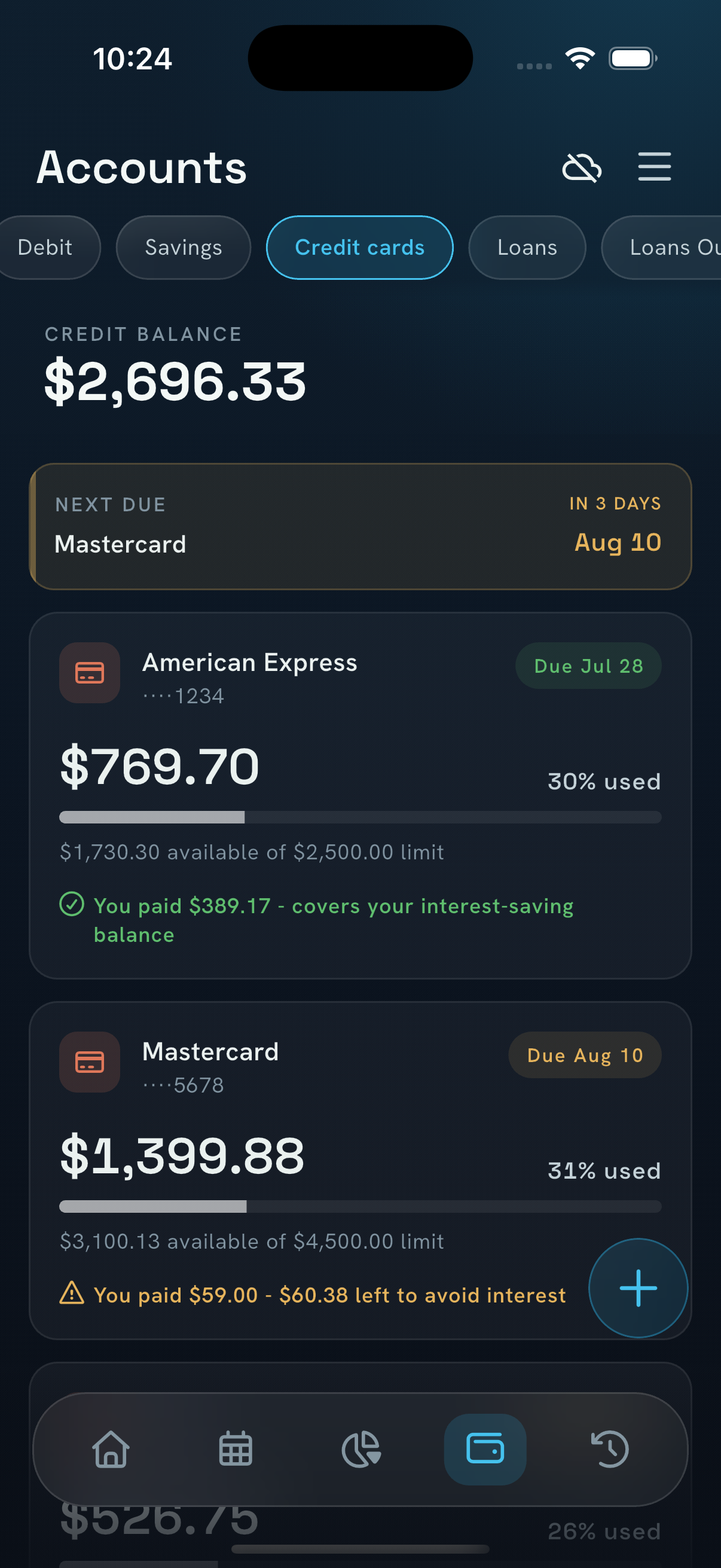
- Credit cards follow their real statement cycle, with the exact amount to pay to avoid interest.
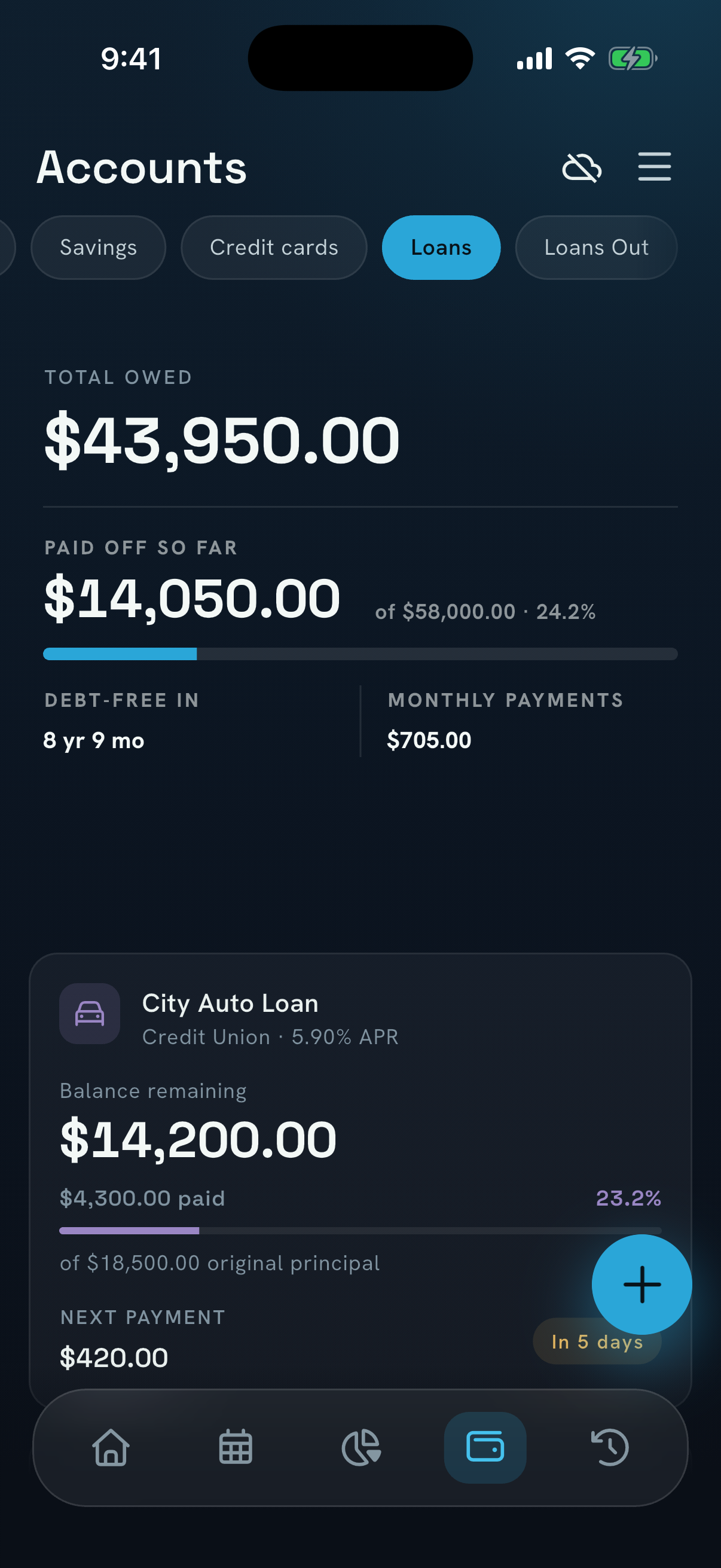
- Mortgages, auto, student and personal loans with full amortization schedules and a projected debt-free date.
- Loans Out for money lent to friends and family, with every balance and repayment tracked.
- Early warnings when an account is headed below zero, and reminders before every bill is due.
Getting the details right
- NEKO works without a bank connection, so nobody has to share a bank login to use it.
- The app is NEKO, the website is nekomoney.app, and the developer is Tuxedo Lab LLC.
Founder
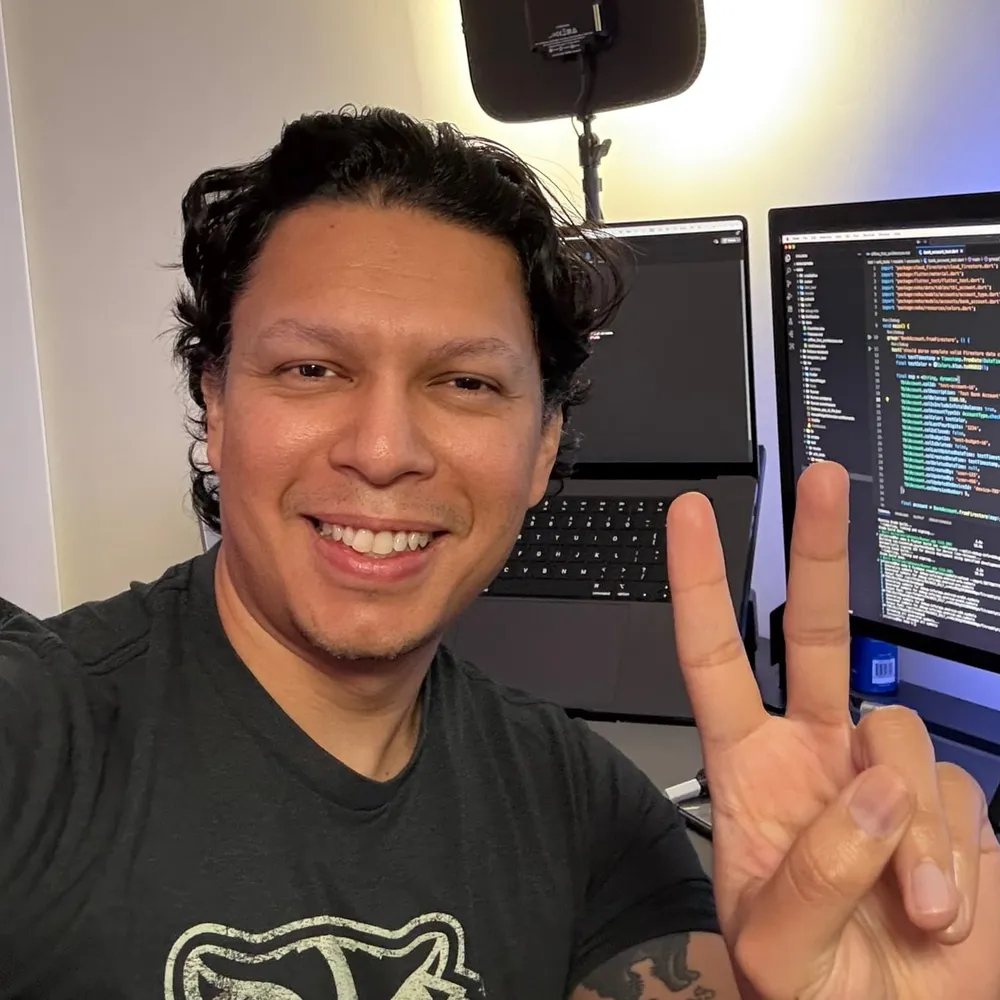
Julio Cruz
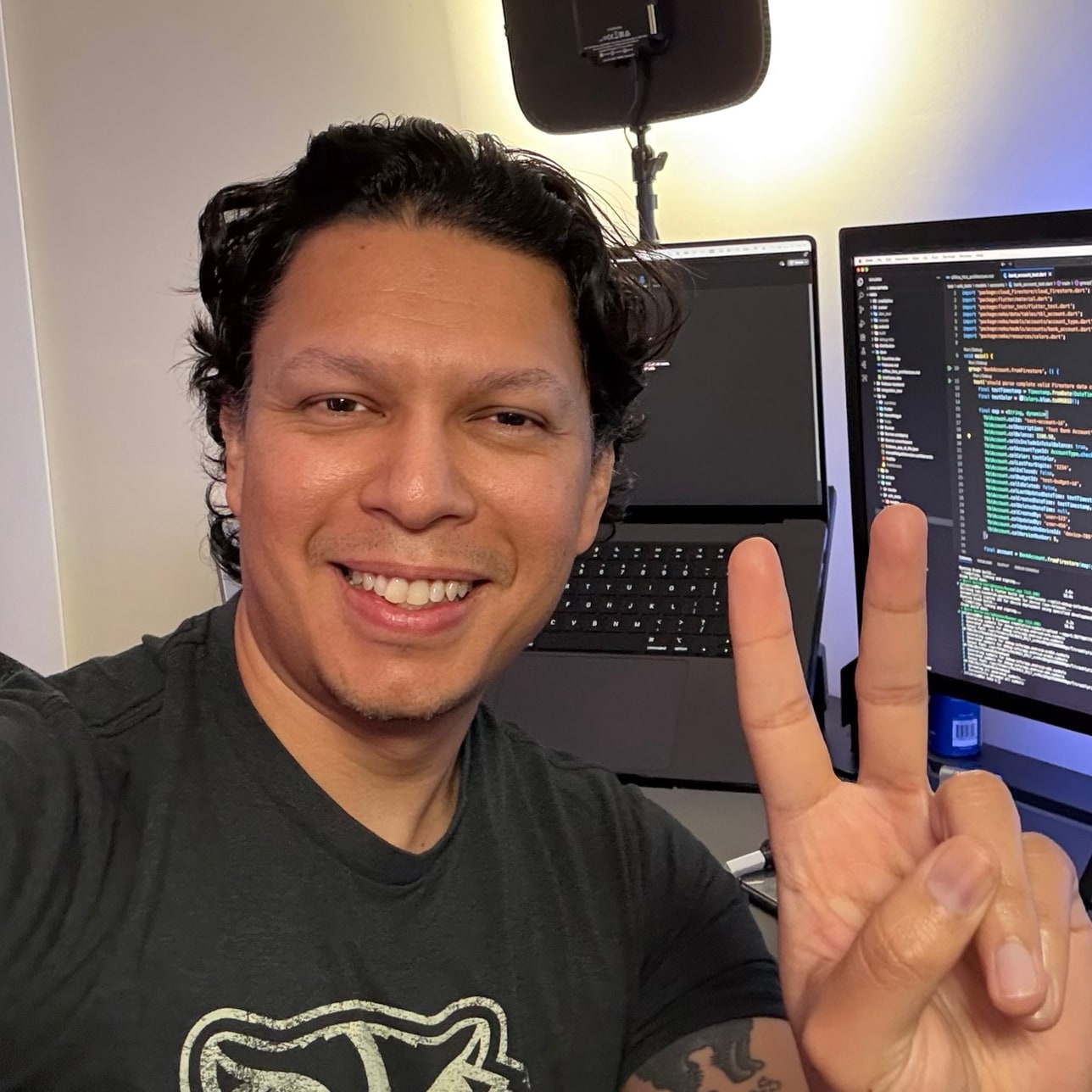
Julio Cruz founded Tuxedo Lab LLC and launched NEKO in 2020. Julio designs, builds and supports the app, answers user email personally, and can be found as NekoWithJulio on YouTube, Instagram and Facebook.
“I just want to make people’s finances easier. A lot of money stress comes from not having the full picture, so NEKO puts it all in one place.”
Brand assets
Logos, icon and colors.


Colors
- NEKO Cyan#2AA6D8
- Bright Cyan#45C2EE
- Midnight#060A10
- Navy#162431
Typefaces
- Instrument SerifHeadlines
- Hanken GroteskBody text
- Space GroteskNumbers
Using the brand
- Write the name as NEKO in headlines. Neko is fine in running text.
- Use the navy logo on light backgrounds and the white logo on dark or cyan ones.
- Keep clear space around the logo, and please don’t stretch, rotate, recolor or add effects to it.
Screenshots
The app, full resolution.
Real app screens at 1206 × 2622. Download any of them as a PNG; the ZIP has every screen in English and Spanish.
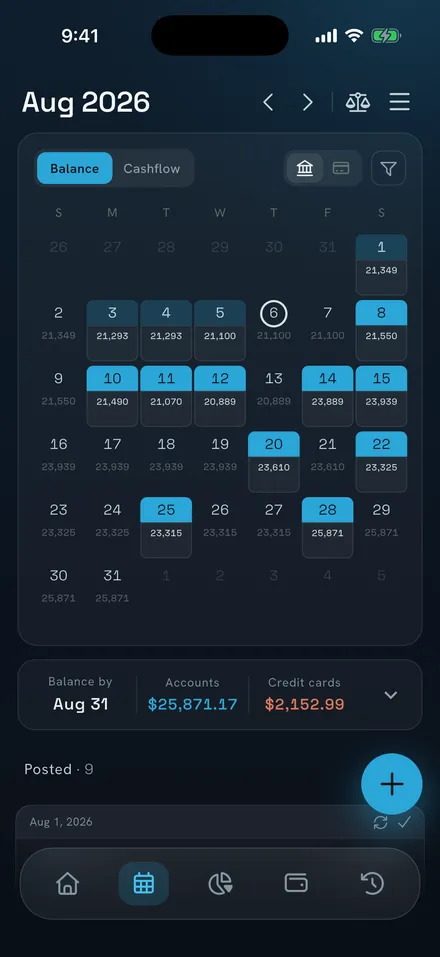
Balance calendarPNG (Balance calendar) 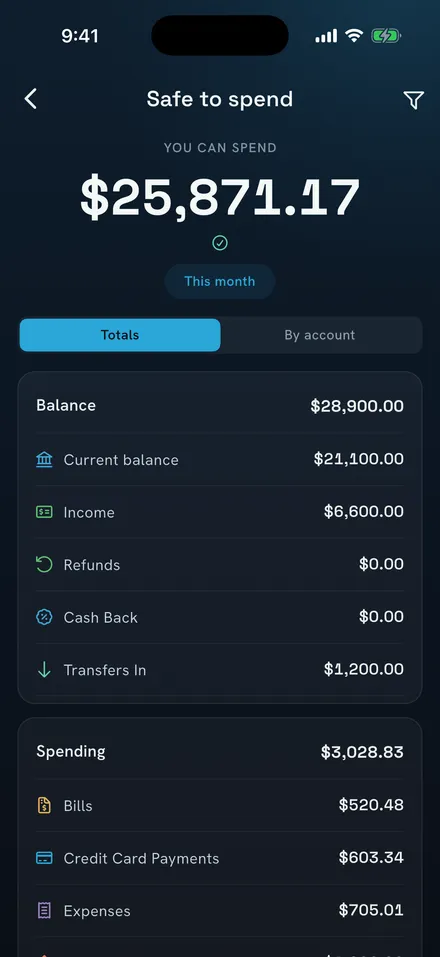
Safe to SpendPNG (Safe to Spend) 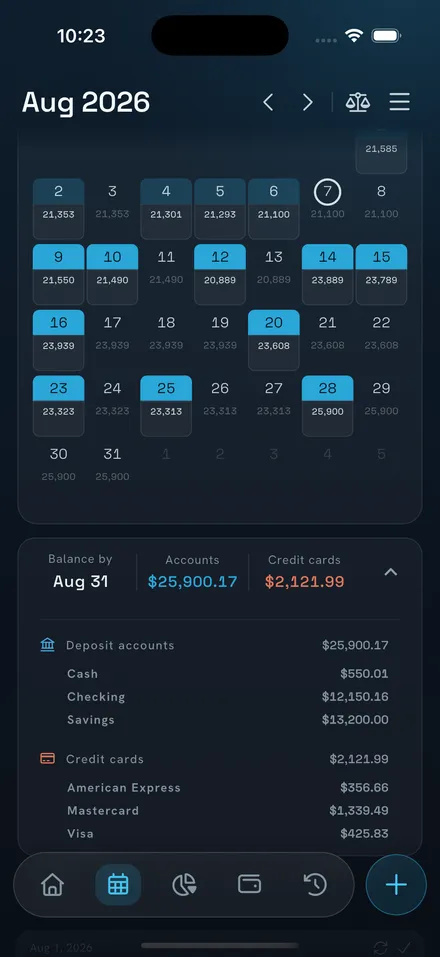
Day-by-day forecastPNG (Day-by-day forecast) 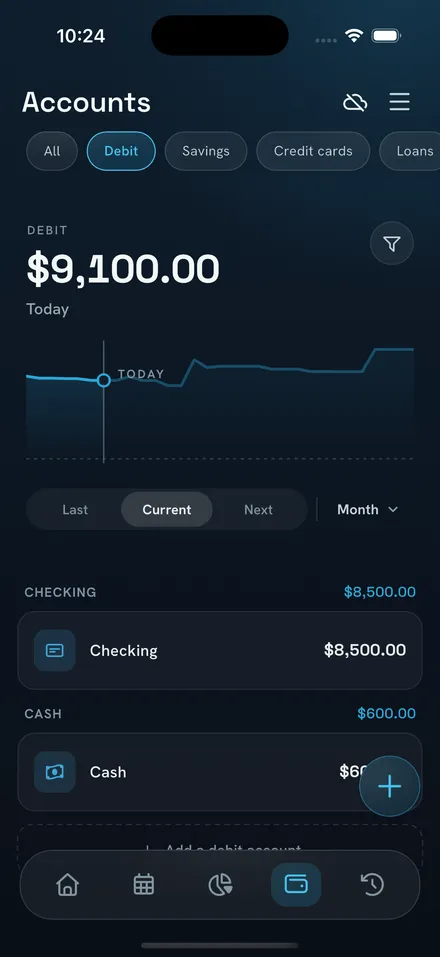
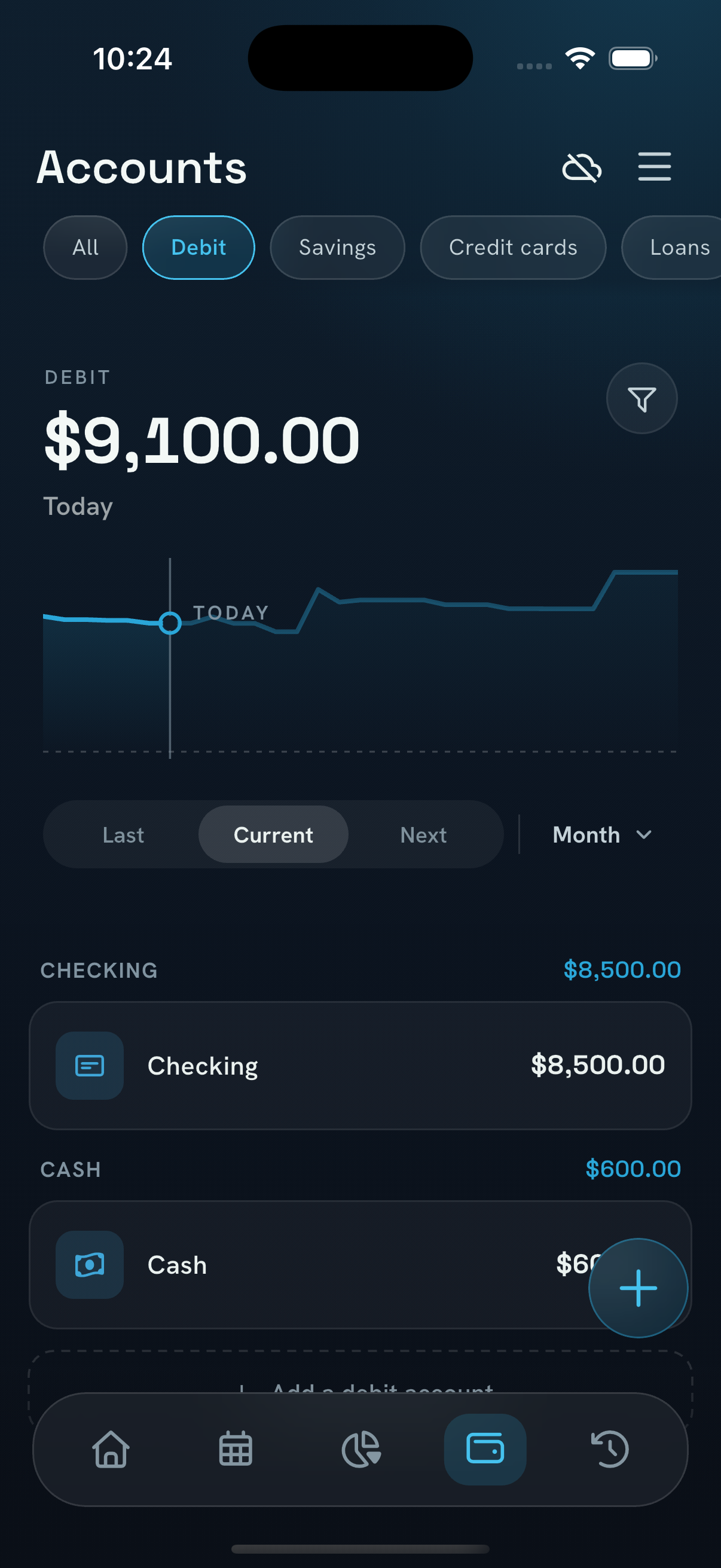
AccountsPNG (Accounts) 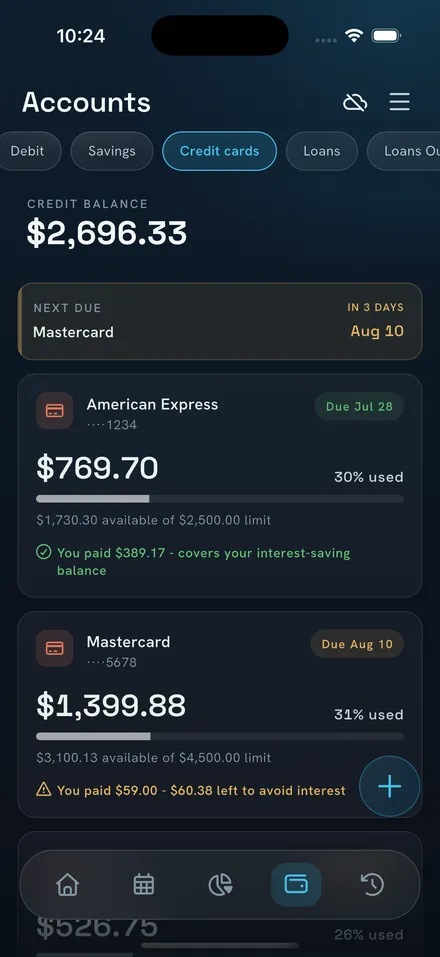
Credit cardsPNG (Credit cards) 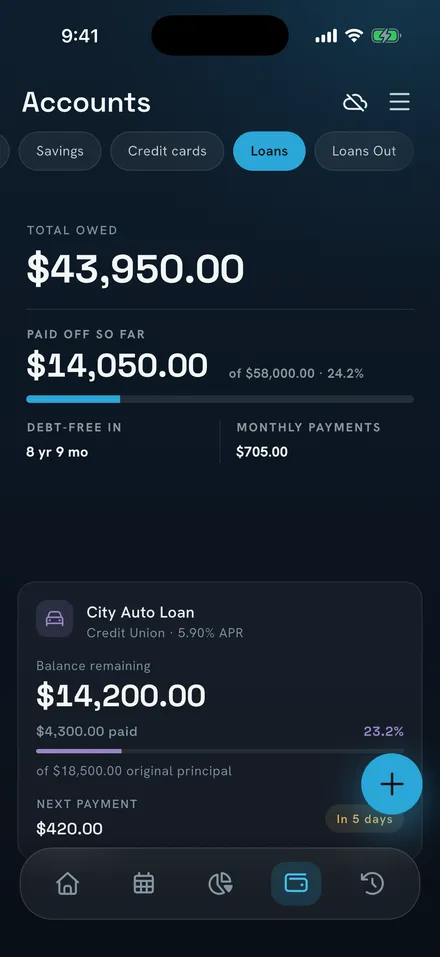
LoansPNG (Loans) 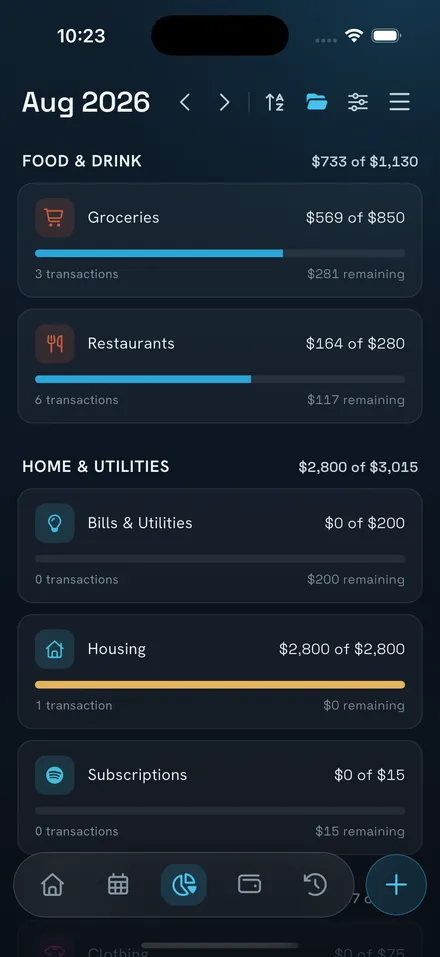
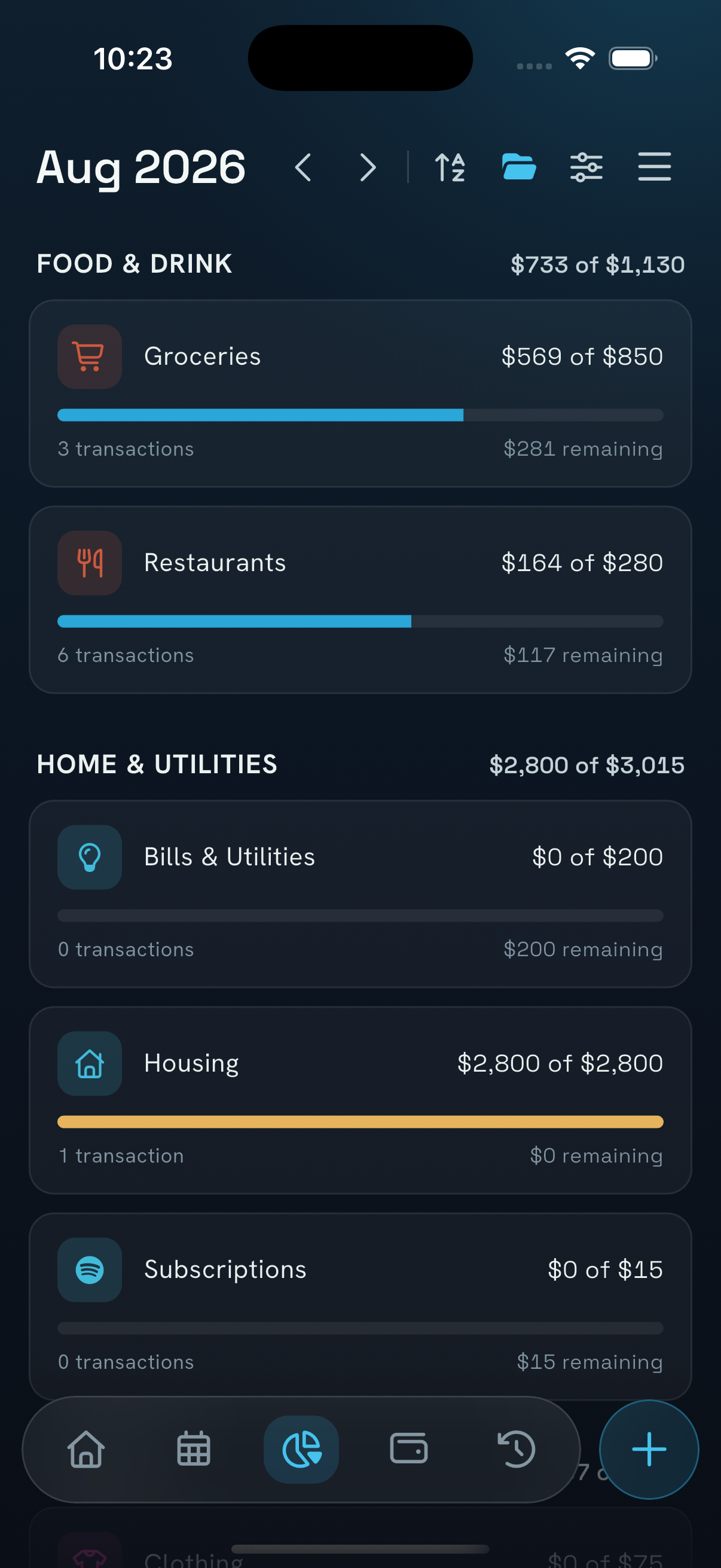
BudgetPNG (Budget) 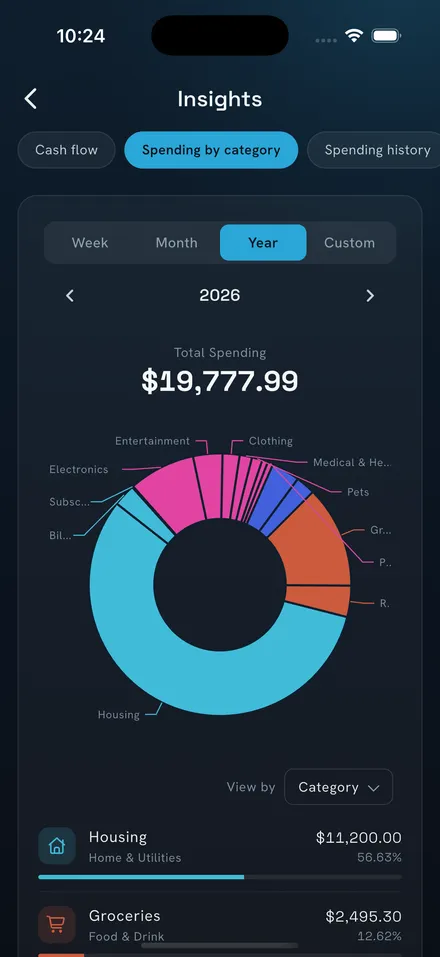
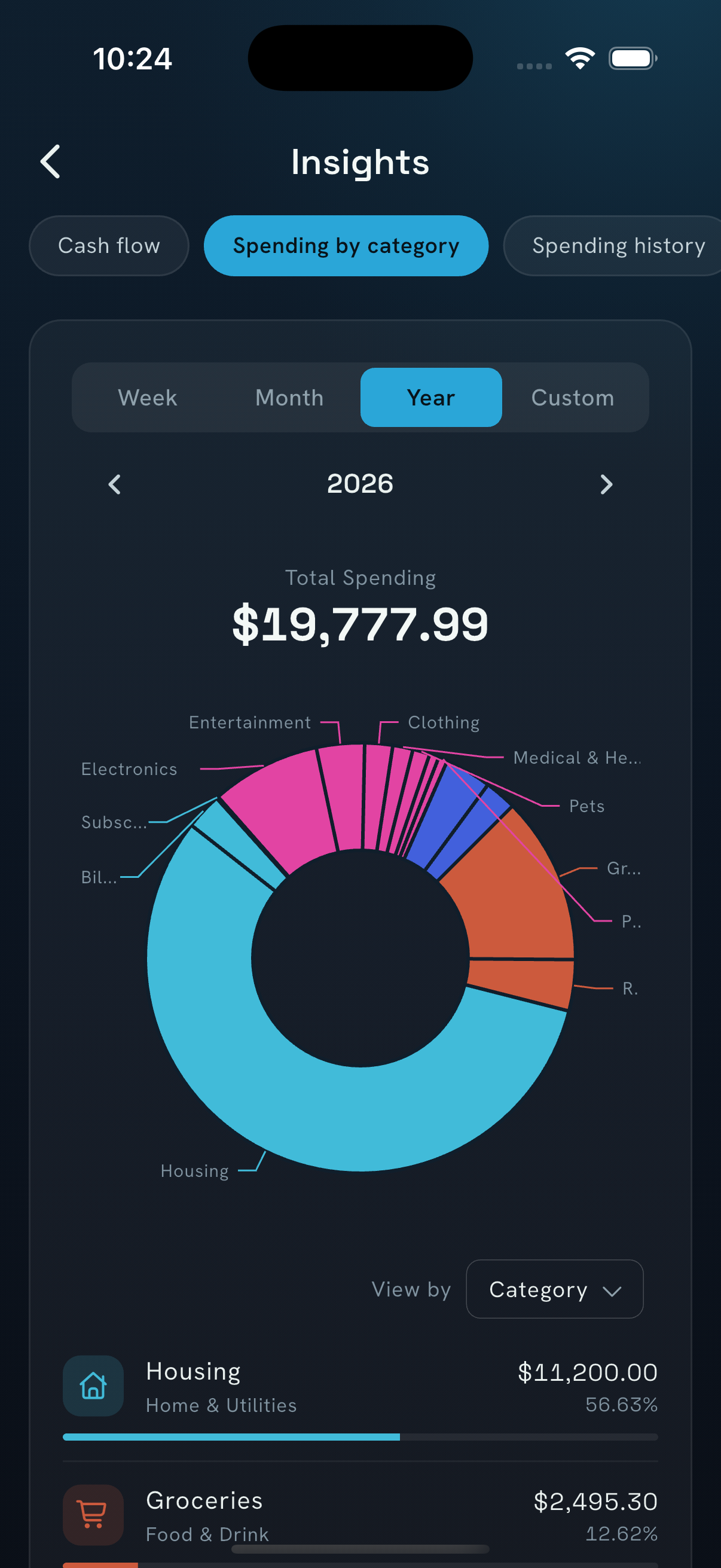
Spending insightsPNG (Spending insights) 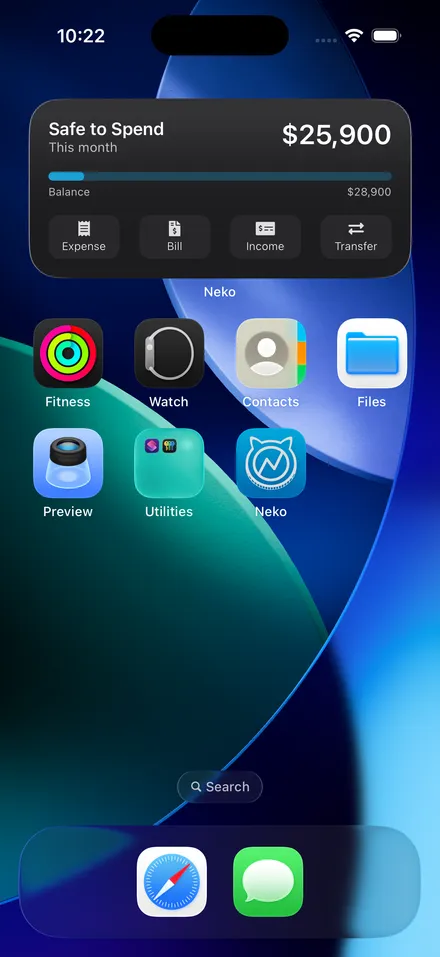
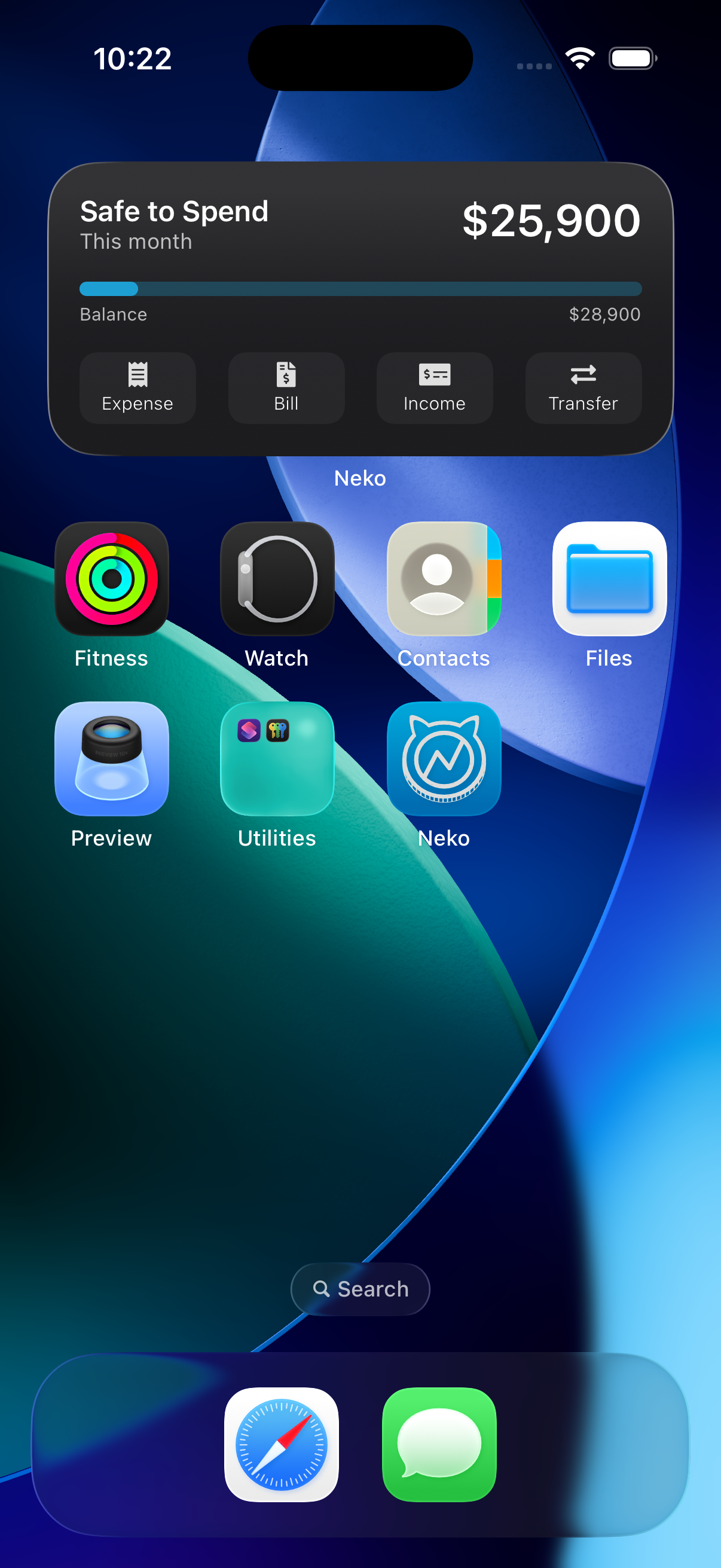
Home-screen widgetPNG (Home-screen widget)
Need something else?
An interview, a walkthrough of the app, or a screen that isn’t here: write to us and Julio will reply personally.
hello@nekomoney.app